Turn your Ulanzi D200 or Elgato Stream Deck into a command center for iRacing, OBS, Discord, and more. Live telemetry on buttons, one-click pit commands, auto page switching. All configurable from a browser.
Configure every button from a clean web UI. Changes push to the device instantly.
Organize buttons across multiple pages per profile. Flip between pages from any button with page actions.
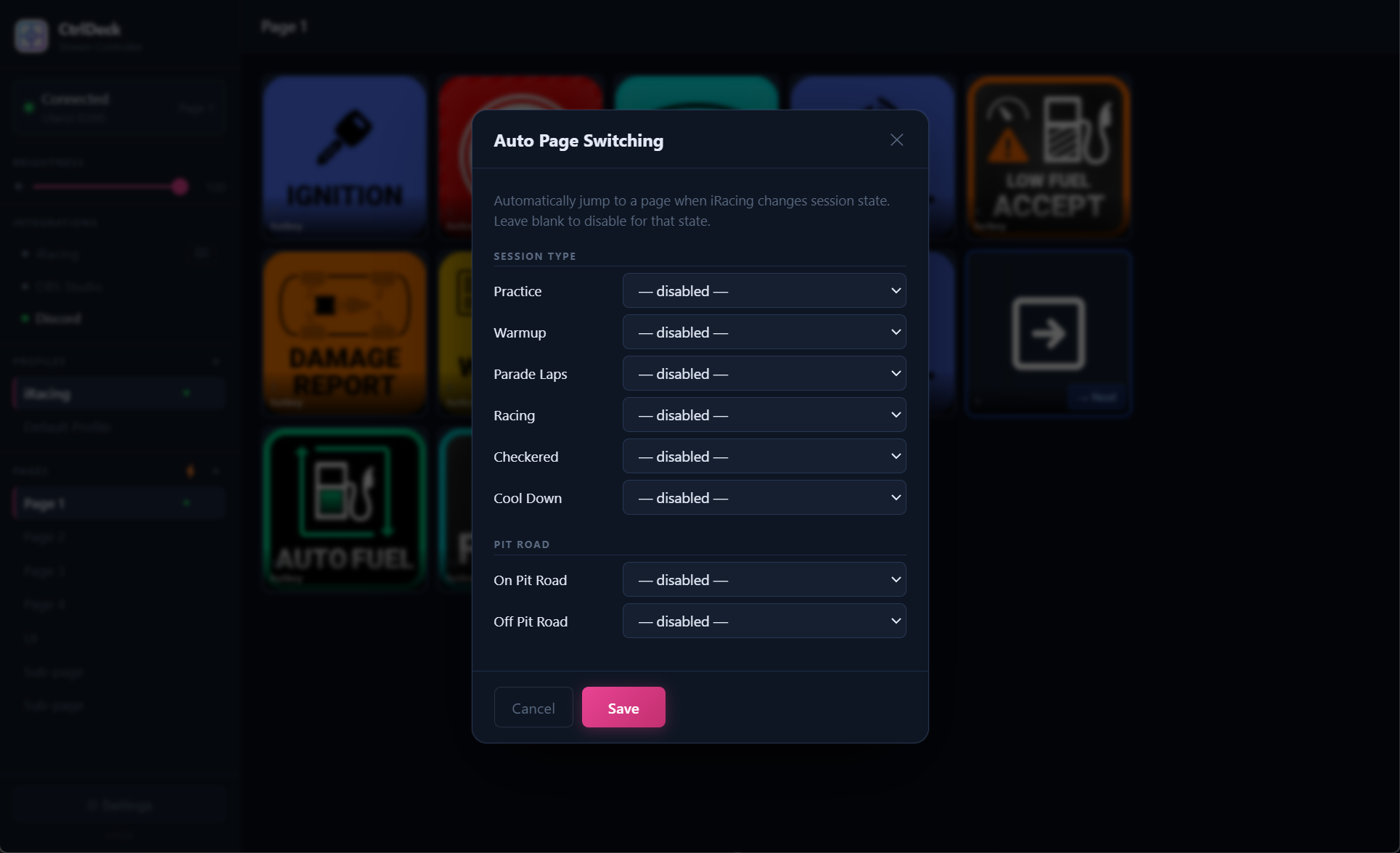
Pages switch automatically based on iRacing session state: practice, qualifying, pit road entry, race start, and more.
Connect a Ulanzi D200 and an Elgato Stream Deck at the same time. Each gets its own independent profile.
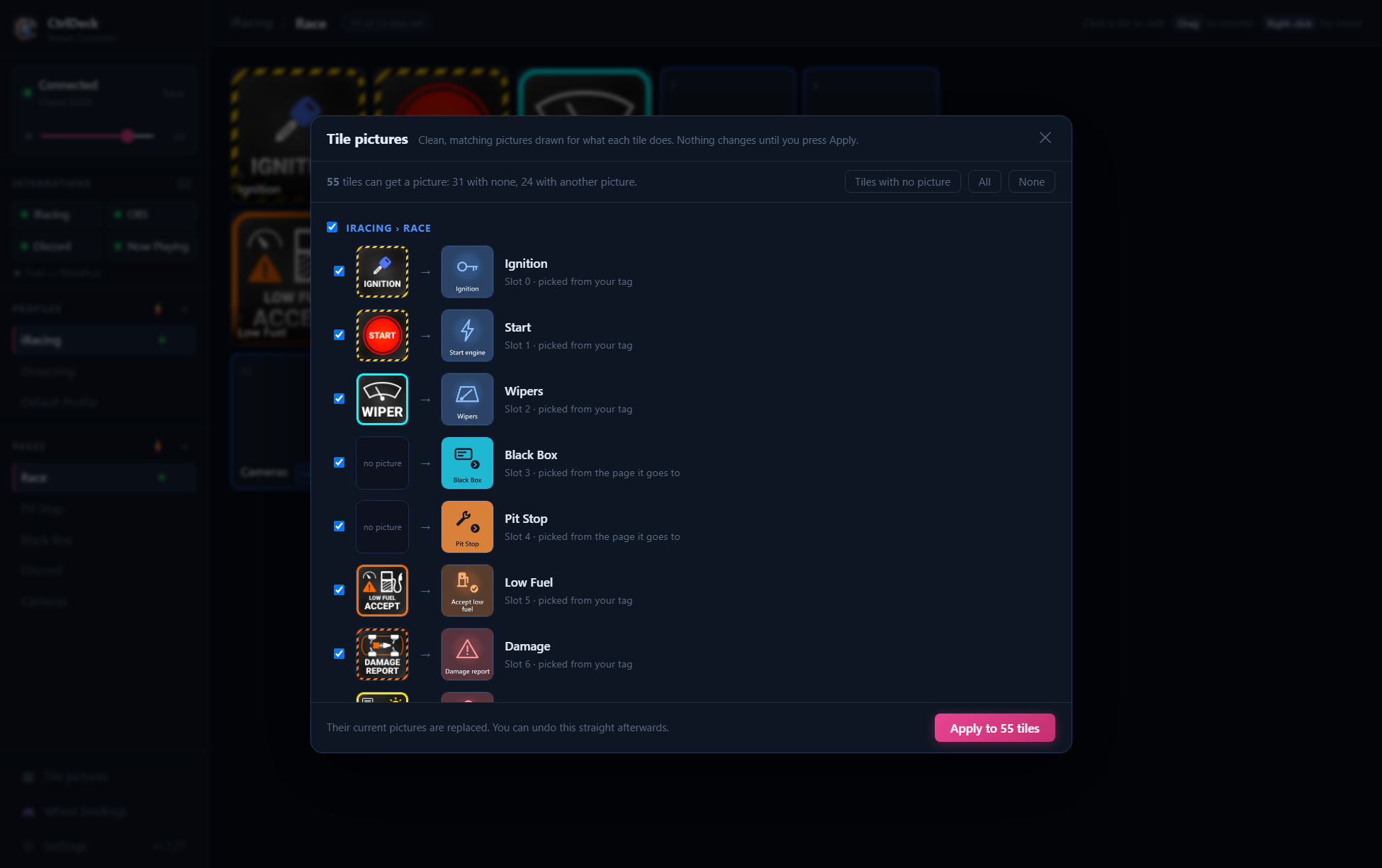
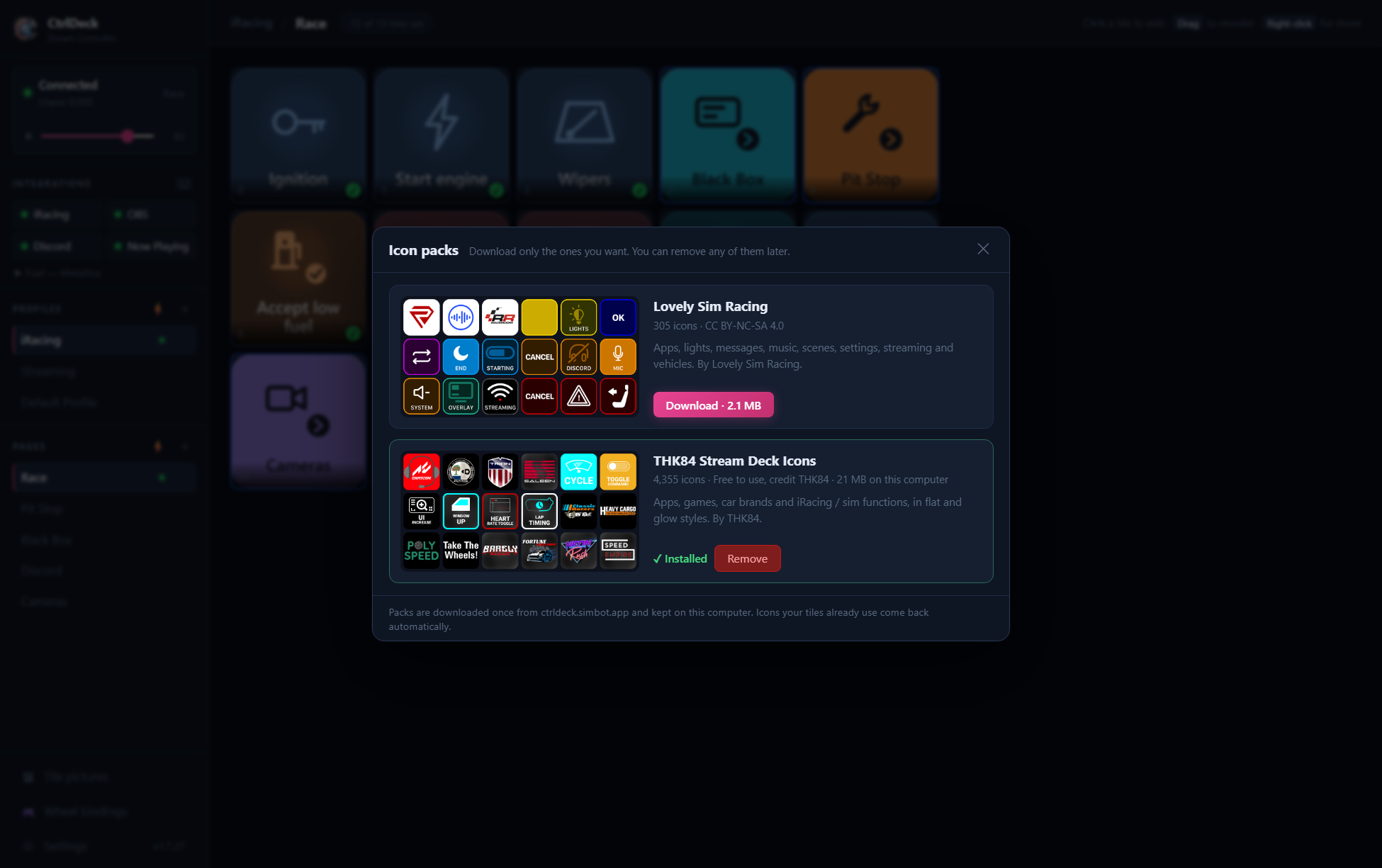
Upload any image or choose from 200+ built-in icons. Set a display name. Your button, your way.
Assign a button to show iRacing data: speed, gear, RPM, fuel level, brake bias, lap time. Updated at 1 Hz.
Bind any button on a sim racing wheel or USB controller to any CtrlDeck action, independent of the D200/Stream Deck grid. Bind the same shortcut in iRacing's own controls and on a wheel button, and that one action works from either the wheel or the deck.
Already using the official Ulanzi Studio or Stream Deck software? Import your profiles directly, icons included.
Export your full layout and icons as a zip. Import on any machine. Auto-backup runs before any profile import.
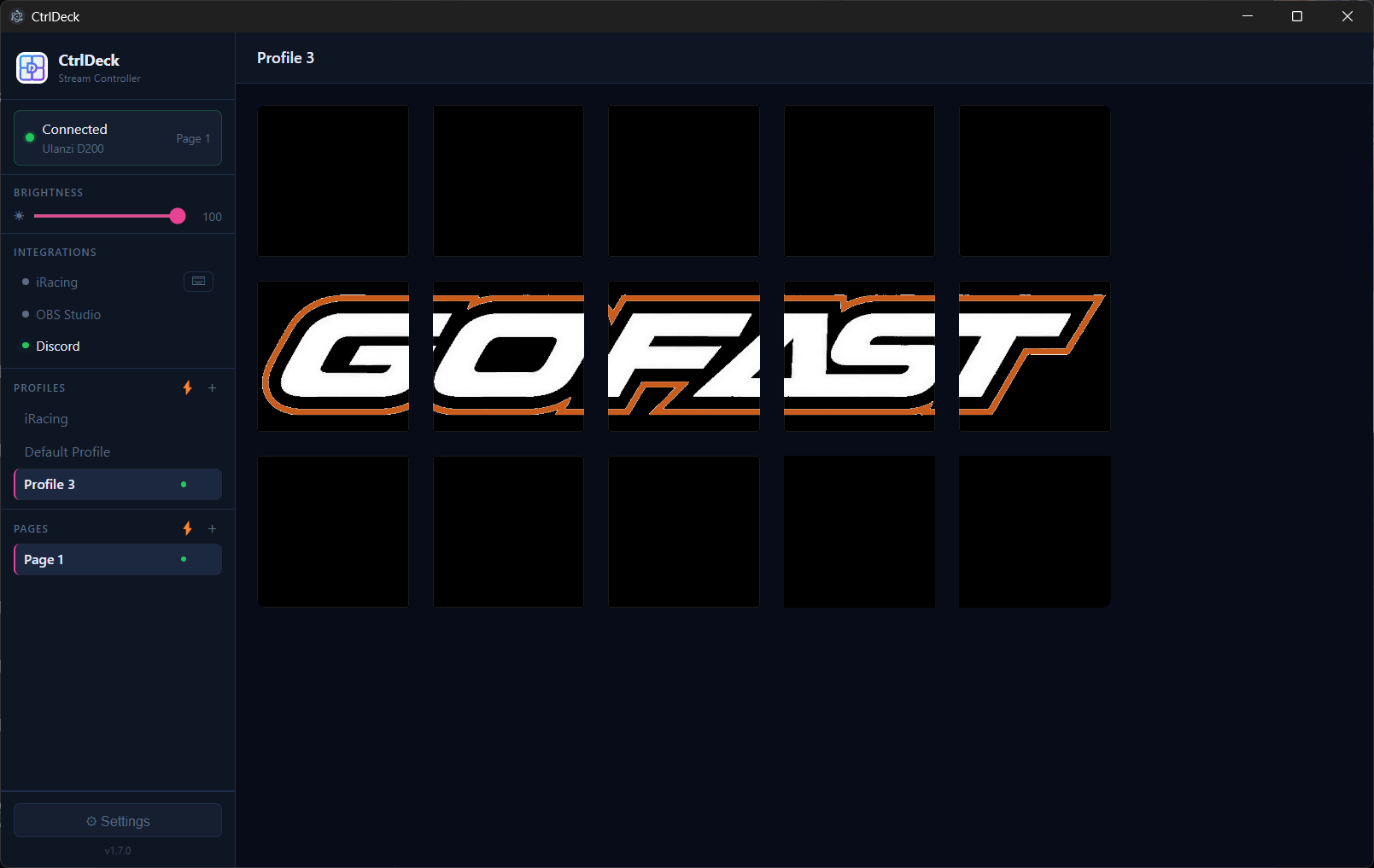
Set a full-deck background image with Fill, Contain, or Custom fit. Custom mode lets you drag and zoom to crop across all buttons โ rendered seamlessly, accounting for physical bezels.
Adjust device brightness from the sidebar. Persists across sessions.
Updates download in the background. When ready, a prompt lets you install and walk through the latest version at your own pace.
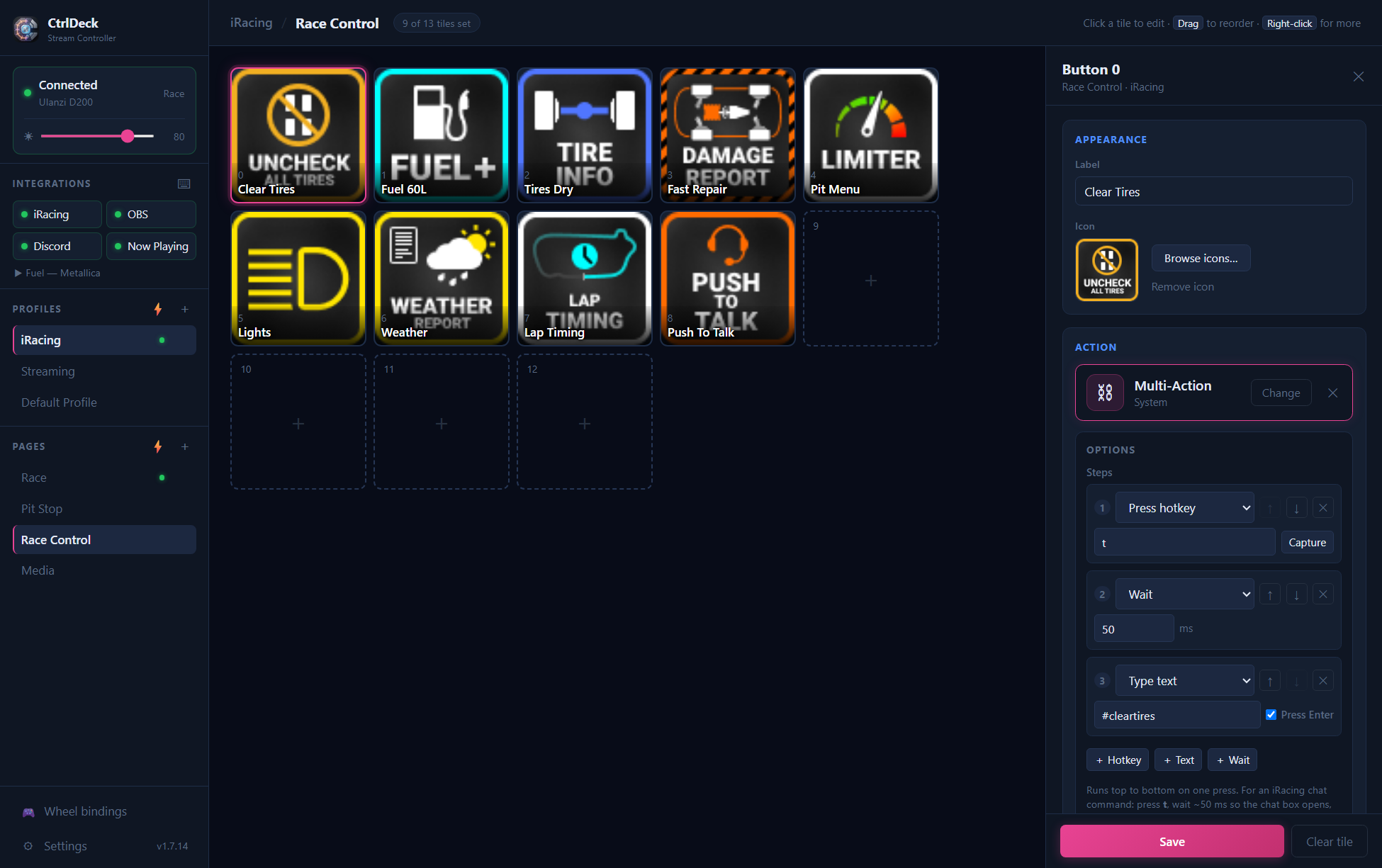
Sidebar shows device status, profiles, and pages. Center grid displays your configured buttons. Right panel is the button editor. Assign icons, labels, and actions without leaving the browser.
Set a full-deck background image with Fill, Contain, or Custom fit. Drag and zoom to find the perfect crop โ rendered seamlessly across all buttons, gap-aware so lines flow right through the bezels.
Map iRacing session states and pit road events to pages. The deck switches automatically as the race unfolds.
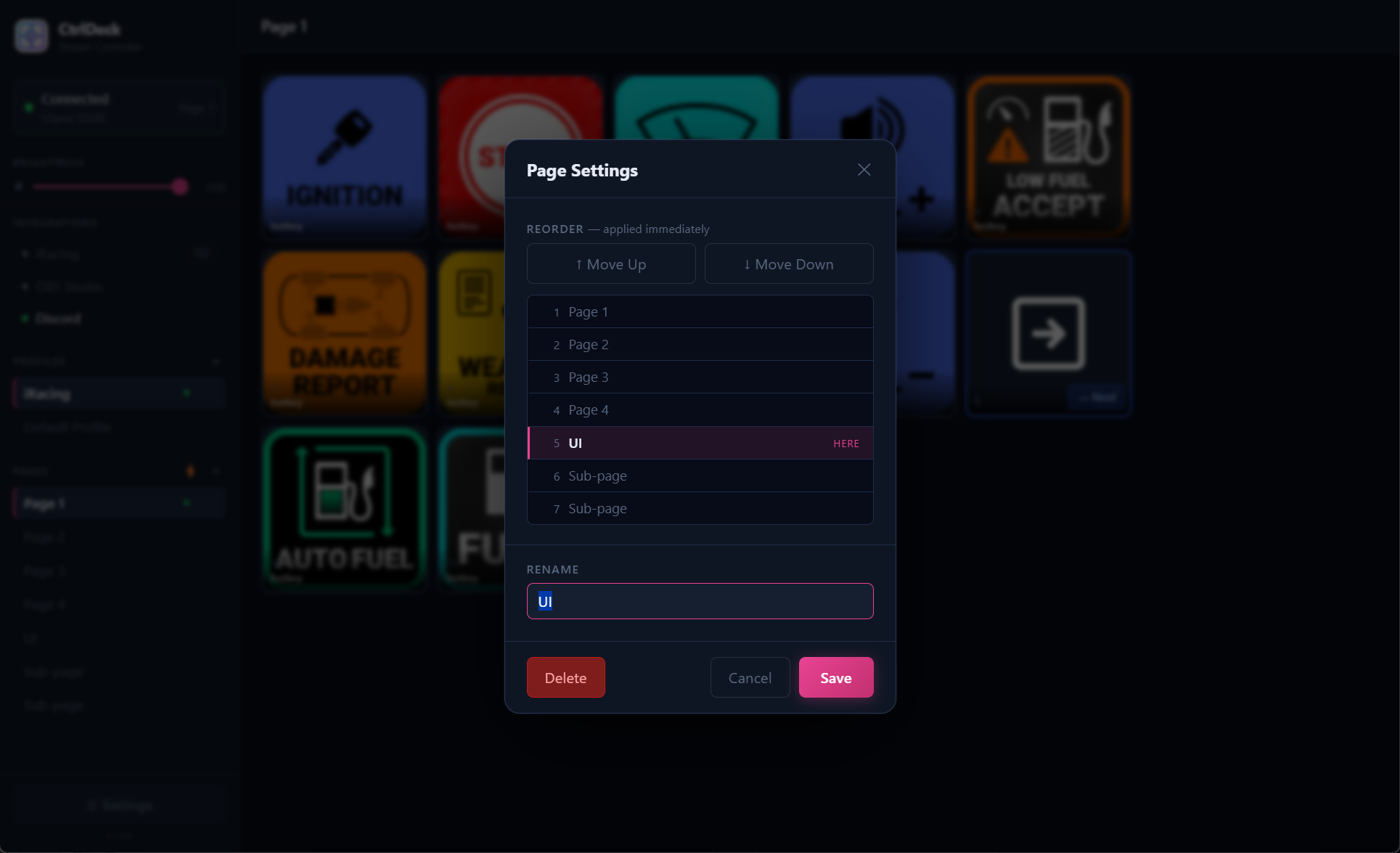
Reorder with a live position list, rename, or delete with confirmation. All in one gear modal.
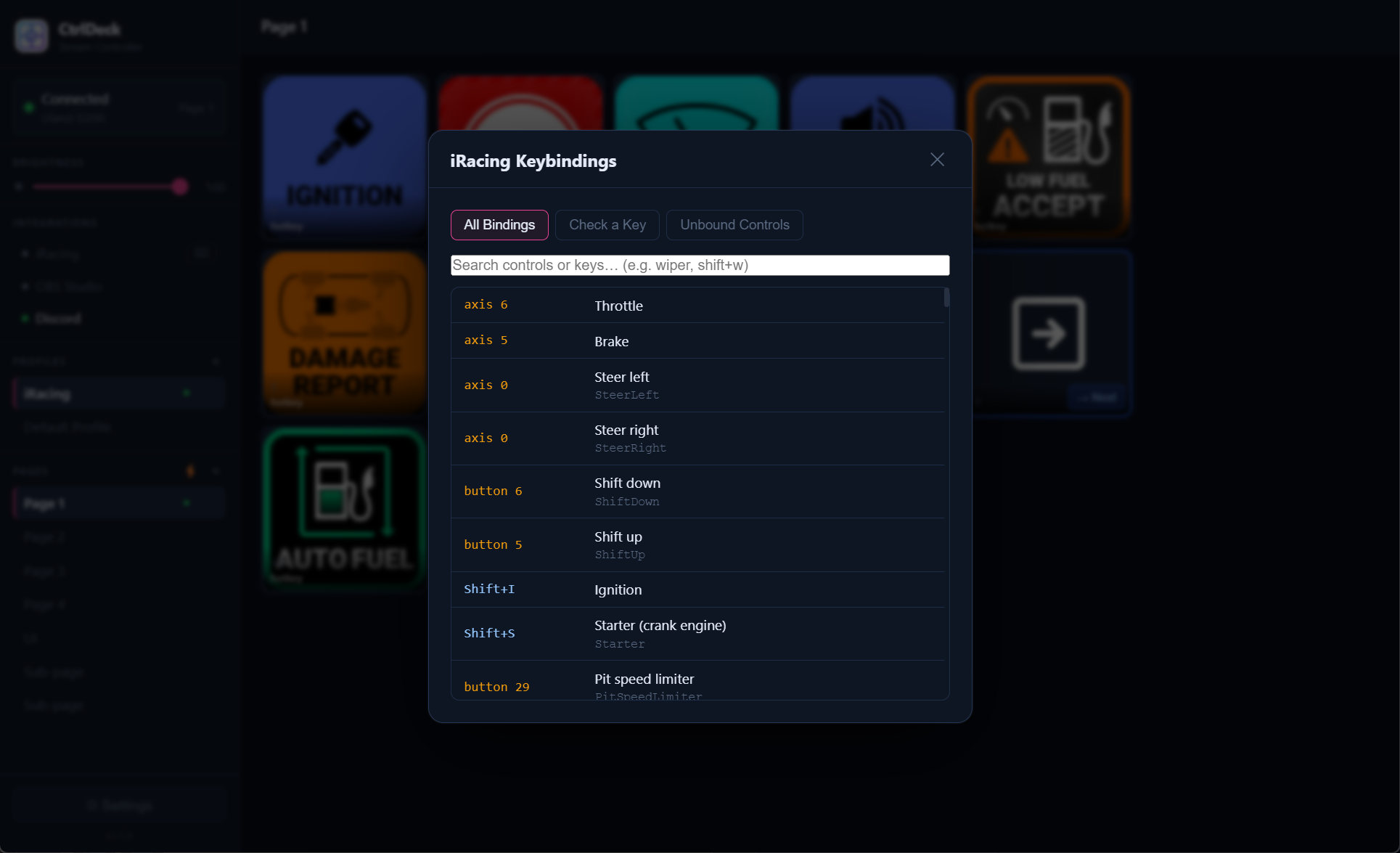
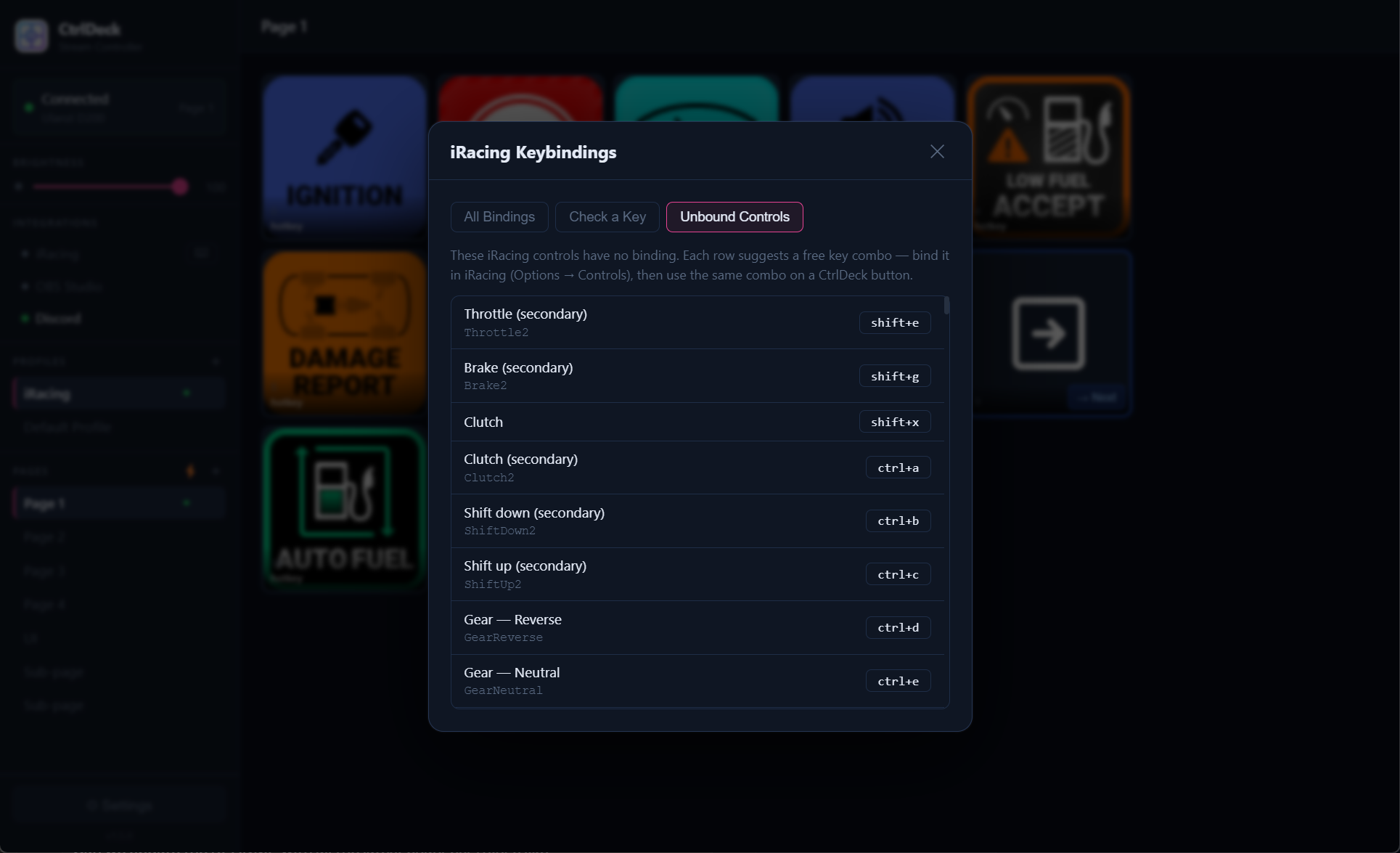
Browse all bound controls. Yellow = device/wheel button, blue = keyboard combo. Fully searchable.
Every iRacing action with no key assigned, each with a suggested free combo to bind.
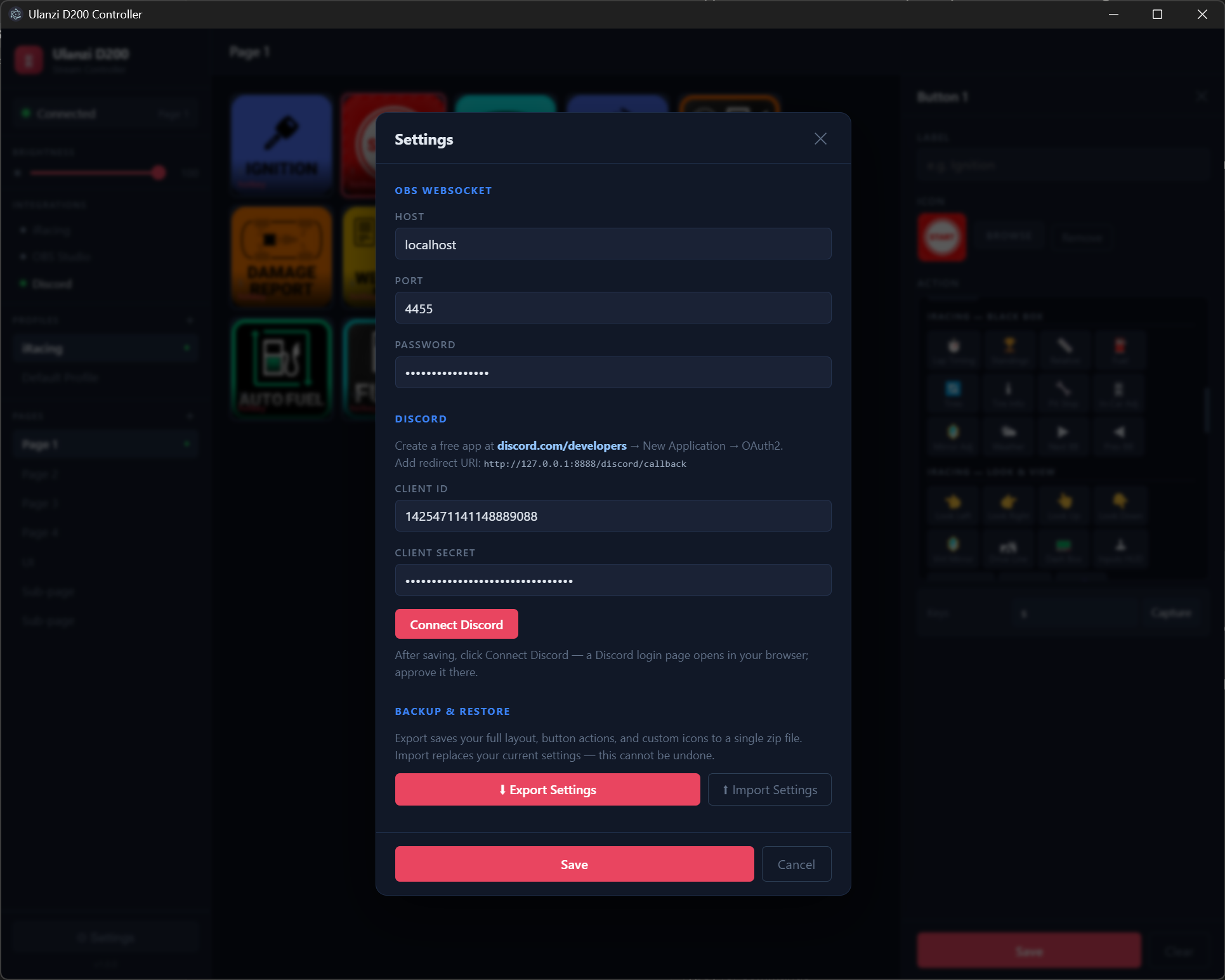
OBS WebSocket, Discord OAuth, profile import from Ulanzi/Elgato, and backup/restore. All in one place.
Deep, native integrations. Not just hotkey passthroughs.
Assign any button to display a live iRacing readout, updated at 1 Hz while you're driving.
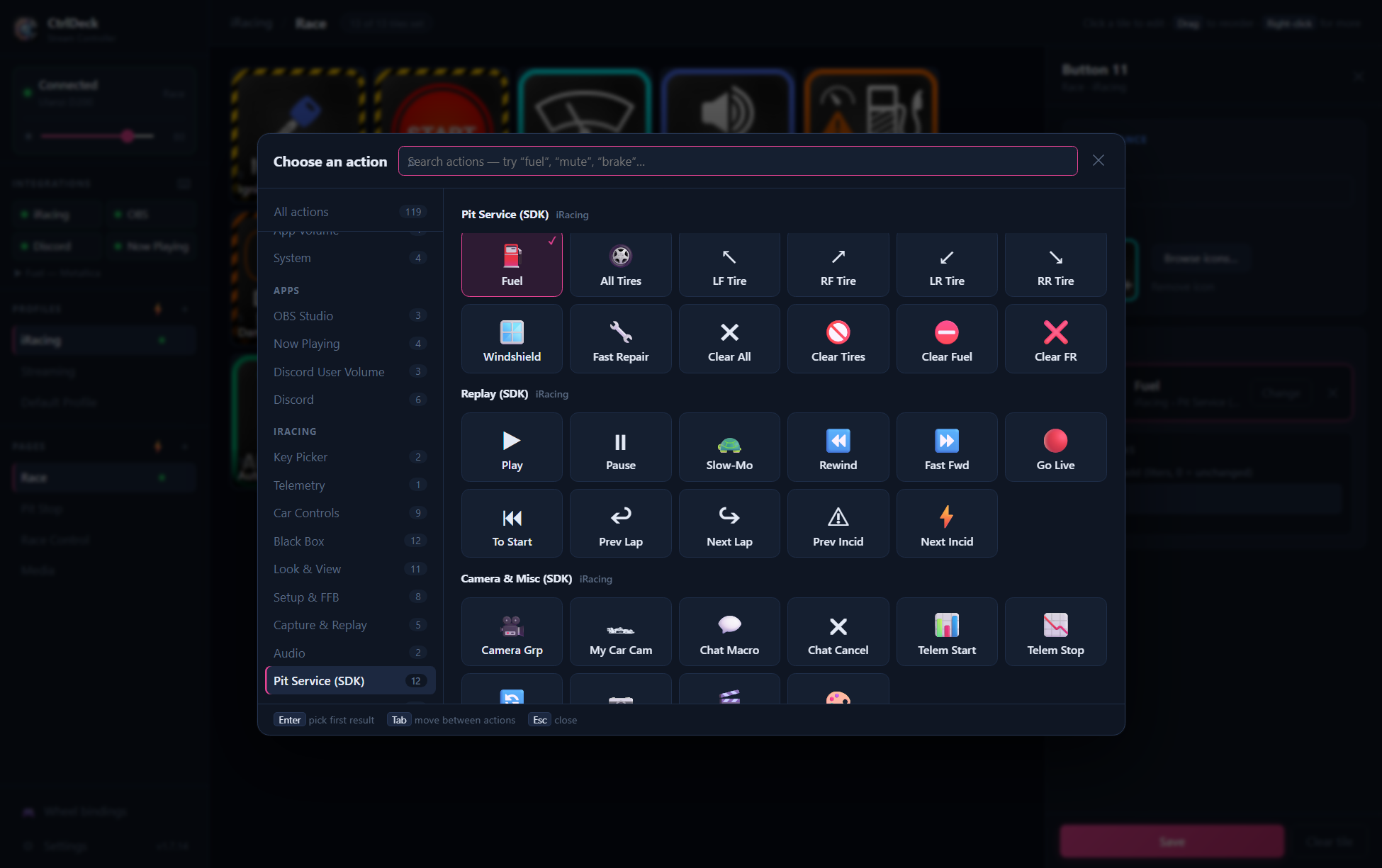
Every action is configurable. Set params, pick an icon, done.
No drivers, no complex configuration. Connect your device and open the UI.
Download the installer and run it. CtrlDeck starts automatically at login and sits in the system tray.
Plug in your Ulanzi D200 or Elgato Stream Deck. CtrlDeck detects it automatically. Hot-plug, no restart needed.
Click the tray icon to open the web UI at localhost:57271. Click any button to assign actions and icons.
Import from Ulanzi Studio or Stream Deck software, or build from scratch. Changes push to the device instantly.
Import your existing profiles from Ulanzi Studio or Elgato's Stream Deck app. Button icons, labels, hotkeys, media keys, and Discord actions all carry over. A backup of your current config is created automatically.
Download CtrlDeck and configure your first button in under 5 minutes.
โฌ Download CtrlDeck for Windows